
To add a reading list:
- On the Courses page (Fulfillment > Course Reserves > Courses), select Reading List in the row actions list for the course to which you want to add a reading list. The Course’s Reading List page appears.
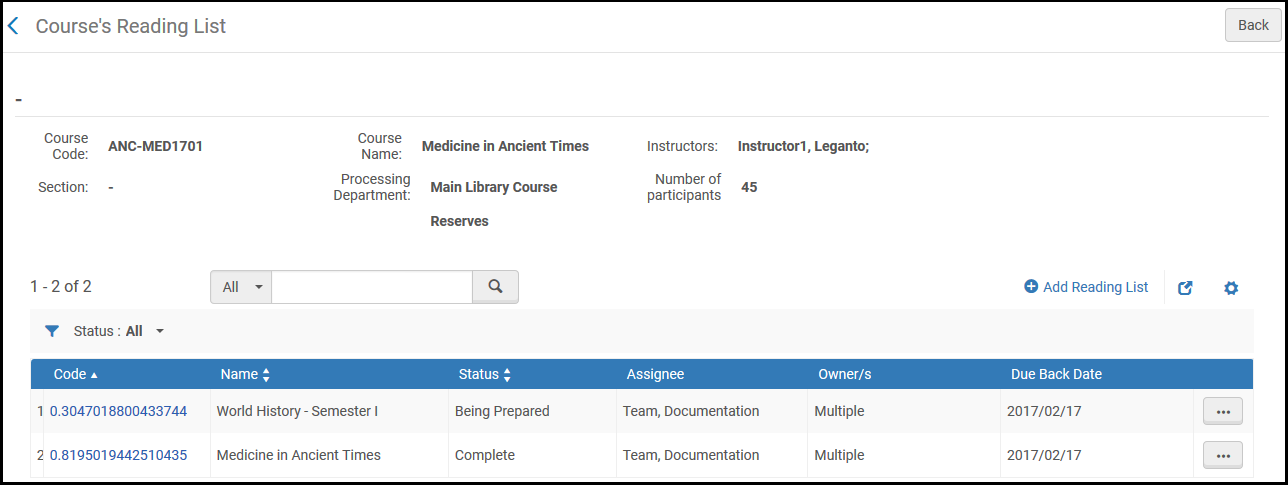
2. Select Add Reading List. The Add Reading List dialog box appears.
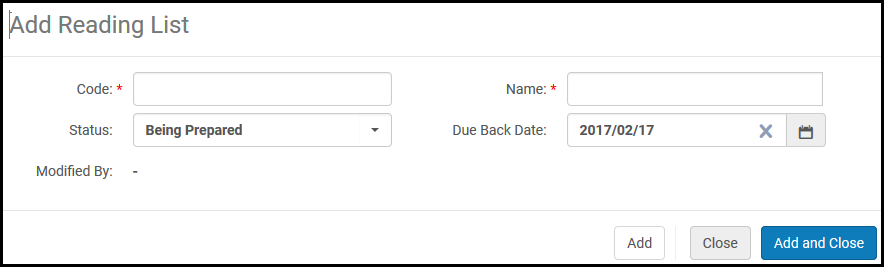
3. Enter the reading list information. A description of the configurable fields appears in the following table.
Comments
0 comments
Please sign in to leave a comment.